Overview
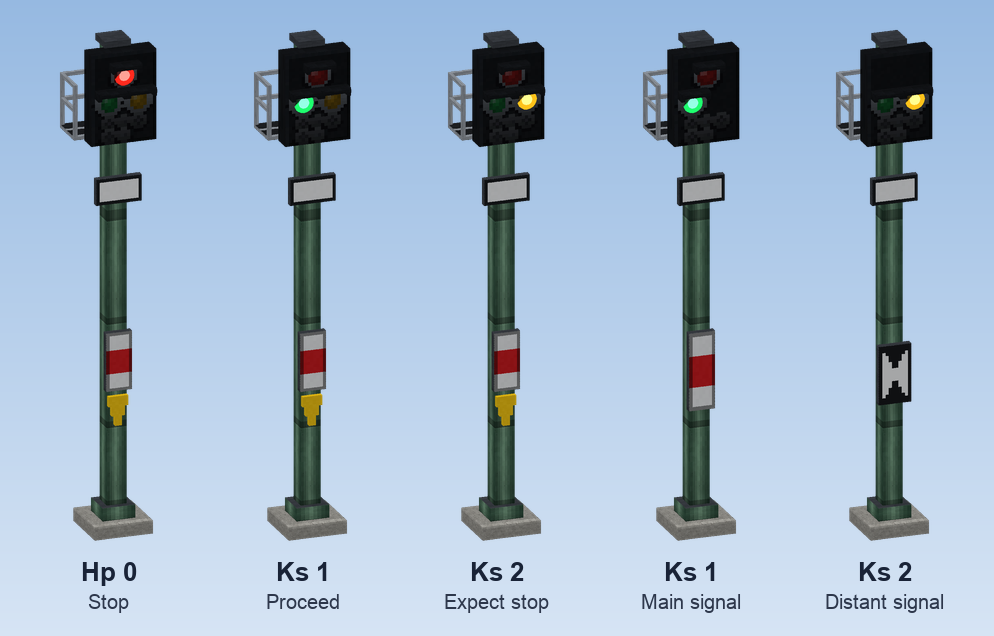
Create's own signals decide when a train stops, but they are small and easy to miss. CMR adds everything a German line has along the track: big light signals that show what a Create signal says, signal gantries to hang them over the track, more than a hundred signs from the German signal book (Signalbuch), additional and shunting signals that switch with the trains, speed boards that really slow trains down, and railway lamps for platforms and yards.
What is in this chapter
Light signal
Signal systems
Masts and mounting
Sign boards
The basic idea
- A Create signal on the track still does the real work: it reserves sections and holds trains. A CMR light signal only shows its state in large, and can limit the speed of trains passing it.
- Signs are signage. They do not affect trains, with two exceptions: the Speed Board limits trains, and the switching Zs and Sh signals light up depending on the signal they belong to.
- Settings of all lineside blocks open with a right click of Create's wrench. Changing them needs the management right: whoever may change CRN's Global Settings.
Related chapters
- Lock signals at stop, give a substitute signal and set routes from the signal box: Interlocking.
- Light signals go dark in front of a train under ETCS, PZB magnets read the signals: Train protection.
- Level crossings with barriers, lights and the monitoring signal: Level crossings.
Coupling in schedules
Dividing and joining trains in service with the schedule instructions "Couple" and "Split Train", and how they work with managed schedules.
Copying settings
In creative mode, Ctrl + pick block on a signal, speed board, lamp or station sign takes its settings along, so the copy is placed ready set up.