Stations
Create's station block decides where trains stop. Create Managed Railways builds the station around it, the way passengers know it from Germany: station name signs in deep blue, platform loudspeakers that announce the trains, ticket machines with a departure board, a station clock, benches, shelters and the buffer stop at the end of the track.
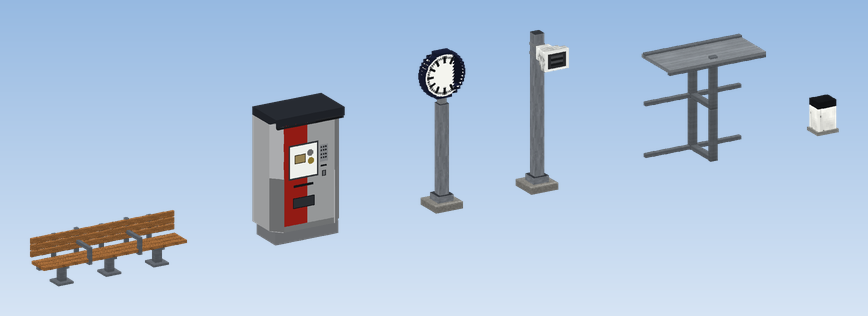
Stations as passengers know them
CRN groups the platforms of a station with a station tag: "Hauptbahnhof" may be the tag of the Create stations "Hbf 1", "Hbf 2" and "Hbf 3". The loudspeaker, the ticket machine and the station signs work with these tags, so all platforms of a station count as one station, and the platform of each Create station comes from CRN.
Where to find it
Everything sits in the creative tab Managed Railways: Station and Lineside. Settings open with Create's wrench.
Pages in this chapter
Lineside lamps and the signs from the signal book, including platform section and direction signs, are in the Signals chapter.